
Why Debugging Frontend Applications Is Hard
And why the problem is rarely where you first look

When the UI Lies to You
Every frontend developer has experienced this moment.
You click a button and nothing happens.
Or worse — something happens, but it’s the wrong thing.
You open the console, no errors.
You check the network tab, the API request looks correct.
You add a few console.log’s, the data seems fine.
And yet the UI still behaves incorrectly.
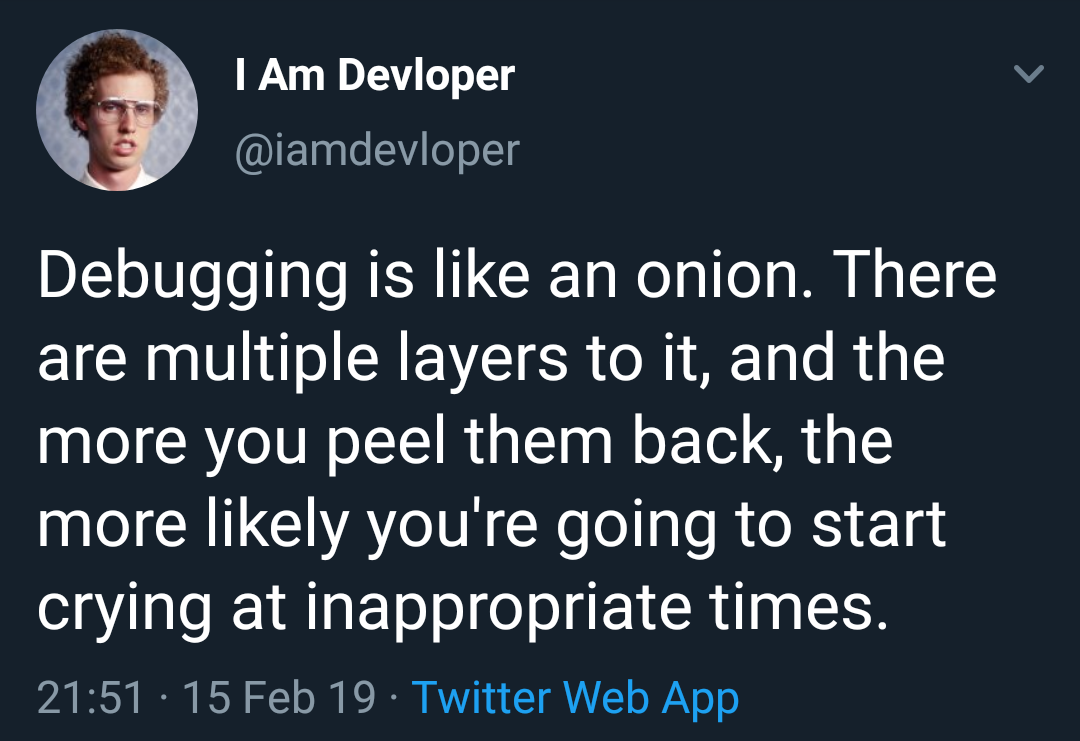
Frontend debugging often feels strange because the bug is rarely obvious. Unlike backend systems where the logic flows linearly through functions and services, frontend applications operate inside a constantly changing environment.
User interactions trigger events.
State updates propagate through components.
The browser schedules rendering work.
Asynchronous tasks resolve at unpredictable times.
All of this happens while the user continues interacting with the interface.
The result is a system where behavior emerges from many moving pieces working together.
That’s why debugging frontend applications is uniquely challenging — and why understanding the underlying environment is just as important as understanding your code.
The Browser is a Runtime, Not Just a Viewer
When debugging backend code, you typically reason about a single runtime: your application server.
Frontend code, however, runs inside the browser, which acts as a full execution environment.
The browser manages:
The JavaScript engine
the DOM
the rendering pipeline
the event loop
network requests
layout calculations
painting and compositing
Your code interacts with all of these systems.
When something goes wrong, the root cause might not be inside your component logic at all. It could be tied to how the browser schedules work or how the rendering pipeline reacts to state changes.
This complexity means debugging frontend applications often requires observing behavior across multiple layers of the runtime.
Asynchronous Behavior Breaks Our Intuition
One major reason debugging frontend code is difficult is that the execution is rarely linear.
Consider a simple sequence:
A user clicks a button →
An API request is triggered →
State updates when the response arrives →
the UI re-renders.
In practice, this flow involves asynchronous operations that may resolve at different times.
A component might render before the data arrives.
Another state update might occur while the request is still in flight.
A user might trigger a second request before the first one finishes.
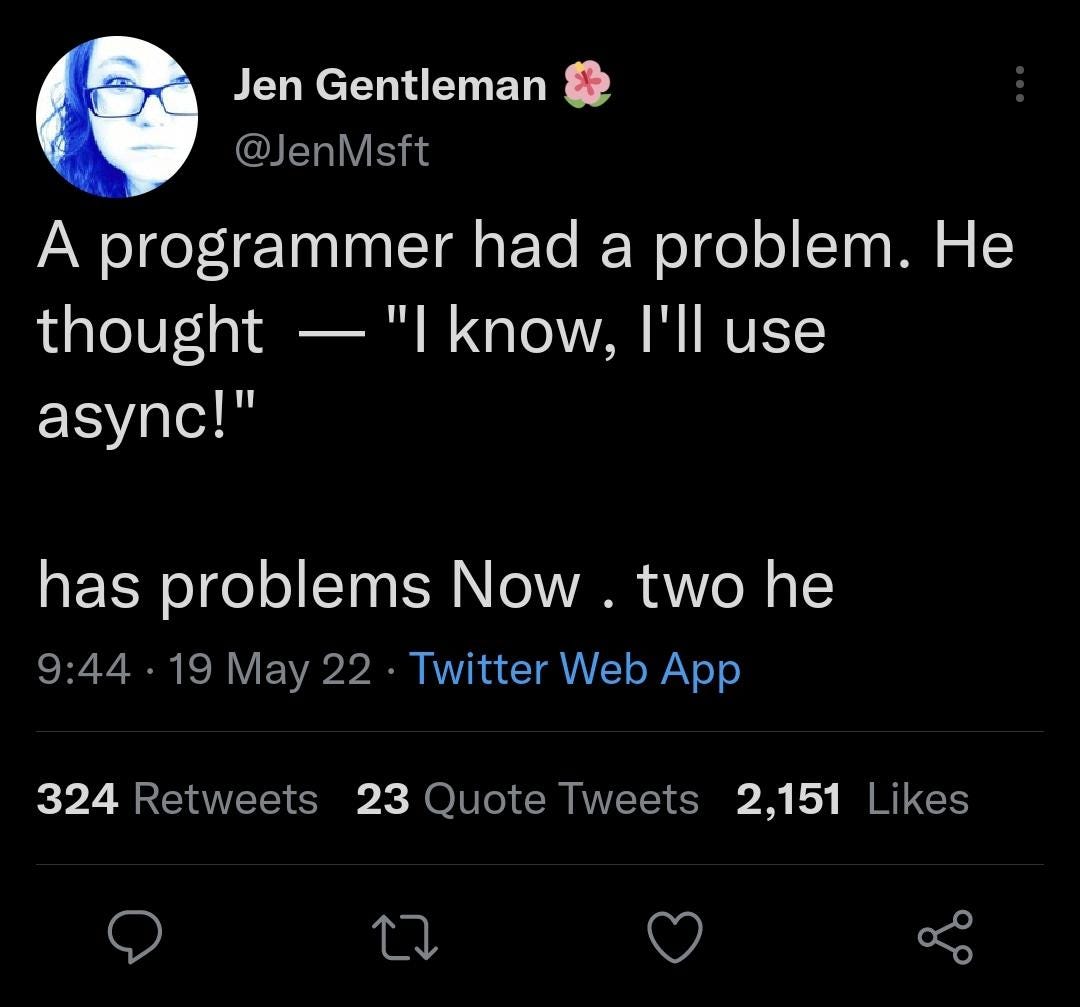
These situations create timing problems that are difficult to reproduce consistently.
Many bugs only appear under specific conditions — slow networks, rapid user interactions, or particular sequences of events.
Understanding this asynchronous nature is key to debugging frontend systems effectively.
State Changes Are Not Always Visible
Another challenge comes from the way frontend frameworks manage state.
Modern UI frameworks rely on reactive updates: when state changes, the framework schedules a re-render.
But that process is not always immediate or transparent.
A component might re-render because of:
a prop change
a state update
context updates
parent re-renders
asynchronous data updates
When debugging, the visible UI often hides the chain of events that led to it.
You may see a button that appears disabled, but the real issue might be a stale state value somewhere upstream. A component might display outdated data because two state updates occurred in the wrong order.
The UI is simply the final output. The difficult part is understanding how the system arrived there.
The Rendering Pipeline Adds Another Layer
Frontend debugging also becomes difficult because of the browser’s rendering pipeline.
Even if your JavaScript logic is correct, problems can still arise due to:
layout recalculations
paint delays
style conflicts
DOM mutations
For example, a component might update state correctly, but the layout may not reflect the change immediately due to how the browser batches rendering work.
Sometimes, a UI glitch isn’t caused by your logic at all — it’s caused by how the the browser processes layout and paint operations.
Understanding that the UI updates through a rendering pipeline helps explain many seemingly random visual issues.
The DOM is Always Changing
Another source of debugging difficulty is that the DOM is constantly evolving.
Frameworks like React or Vue manage DOM updates efficiently, but that abstraction can make it harder to track what is actually happening in the document.
Elements appear and disappear.
Attributes change dynamically.
Event listeners attach and detach.

Sometimes a bug occurs simply because an element no longer exists when you expect it to.
Inspecting the DOM directly often reveals discrepancies between what you think the UI should be and what the browser has actually rendered.
DevTools: The Most Important Debugging Tool
This is where the browser DevTools become essential.
A good debugging workflow often involves using multiple DevTools panels together.
The Elements Panel
The Elements tab allows you to inspect the real DOM structure. This is useful when UI behavior doesn’t match the expectations.
You can:
inspect element hierarchy
check applied styles
see layout changes
modify styles live
Sometimes simply observing how the DOM is structured can immediately reveal the issue.
The Console
The console is often the first place developers look, but it can do much more than logging messages.
It allows you to:
inspect live objects
run quick JavaScript checks
monitor variables during runtime
Using console.table() or structured logging can make debugging complex data far easier.
The Network Panel
Many frontend issues originate from API interactions.
The Network tab helps you verify:
request payloads
response data
timing
failed requests
If the UI appears wrong, the problem may simply be incorrect data returned from the server.
This panel quickly helps confirm whether the issue is client-side or data-related.
The Performance Panel
For more complex problems, the Performance Panel reveals how the browser is spending time.
It helps identify:
long JavaScript tasks
layout recalculations
paint operations
event handling delays
Sometimes a UI lag is not a logic bug but a performance bottleneck.
Profiling can reveal slow operations that aren’t obvious during development.
The Sources Panel
The Sources tab allows you to step through JavaScript execution.
You can:
set breakpoints
pause execution
inspect variable values
trace function calls
This is especially helpful when debugging asynchronous flows or tracking where unexpected values originate.
Debugging is a Skill, Not Just a Process
Effective debugging isn’t just about tools. It’s about mindset.
Experienced developers approach debugging with curiosity rather than frustration.
Instead of asking:
“Why is this broken?”
They ask:
“What sequence of events led to this state?”
Breaking the problem down into smaller steps often reveals the root cause faster than guessing or making random changes.
Conclusion: Understanding The System Makes Debugging Easier
Frontend debugging can feel frustrating because modern web applications are complex systems.
User interactions, asynchronous events, rendering pipelines, and state management all interact simultaneously.
When something goes wrong, the cause is rarely isolated to a single line of code.
DevTools give you visibility into what the browser is doing.
Your mental model of the runtime helps you interpret that information.
Over time, debugging stops feeling like trial and error and starts feeling like an investigation.
And like any good investigation, the key is not just looking harder — it’s knowing where to look.
If this article helped you, consider subscribing to Frontend Engineering Weekly.
I’ll be sharing:
Practical frontend lessons
Real-world engineering insights
Web, Smart TV and modern UI topics
One article every week
No fluff. Just real engineering.
If you found the content valuable, please hit a like❤️.
If you have any questions or suggestions, please leave a comment.
Follow me on LinkedIn and DEV.to to stay updated.
Checkout my Website and GitHub for collaboration.
I hope you have a great day and a productive week!
Regards,
Aryan
Great points
Really relatable. Frontend debugging often turns into tracing state changes, async flows, and rendering behavior rather than just fixing a line of code. Well explained.